3 · Build & Test Your First Ship
- Gather hull blocks, Super Glue, a Ship controller, thrusters, gyroscopes, compatible tanks, cargo storage, an airstair, and a Navigation Scope. Mount the airstair outward below the hatch. Plan the hull around the fuel and cargo you expect to carry.
- Glue only the intended ship blocks, including the top of the hatch and the flight equipment. Leave the ground and supports out. With an empty hand, hold right-click on the physics assembler, move the mouse all the way up, and release. Check the captured blocks, thruster directions, hatch, and airstair. If the assembler came along, recover it with a pickaxe once parked.
- Add a little fuel. Confirm the thrusters can draw it from a tank on the same ship. Compare weight before and after fueling, and check lift and thrust balance. Make sure the ship’s gyroscopes are powered and switch off manual redstone signals to the thrusters. Board and right-click the Ship controller to take control.
- On flat, open ground on Hearth, lift off briefly, move slowly, turn, brake early, and land at a full stop. See Flight Controls for controls and HUD readings. Once parked, get off, board again using the airstair, and practice making a repair.
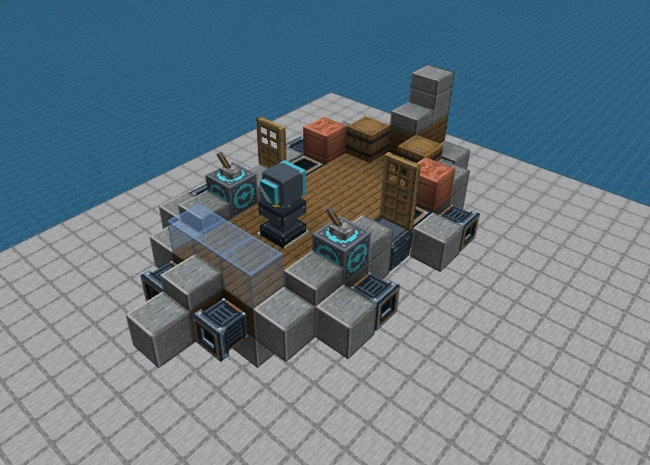
You’re done when the same ship can take off, stop under control, land, let you get off and back on, and be repaired while parked. If it won’t lift after fueling, check wet weight and fuel delivery before adding more.