Getting Started
This handbook covers the Escape Velocity single-player survival Alpha for Minecraft 1.21.1 / NeoForge 21.1.247. Check the quest book and JEI for current item names and recipes.
- Install Escape Velocity in a separate game instance. Use Java 21 and keep the mod versions specified by the pack.
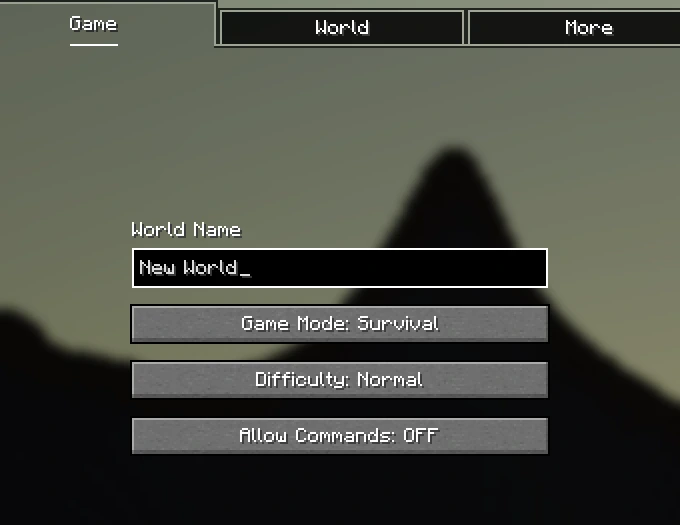
- Create a single-player Survival world. You start without a ship or landing pad, and there’s no Nether or End. Back up your save before updating the pack or changing instance settings.
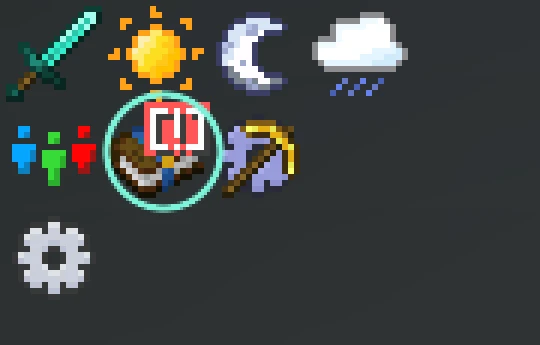
- Open FTB Quests from the inventory sidebar. Item quests check your inventory; advancement and kill quests track in-game events. Check off manual quests only after doing the work. In JEI, hover over an item and press
Rfor its recipe orUfor its uses. - Press
Mby default to open Atlas and mark your base.
You’re ready when you can enter your world, open the quest book, and find your base marker in Atlas. Next: Settle on Hearth.