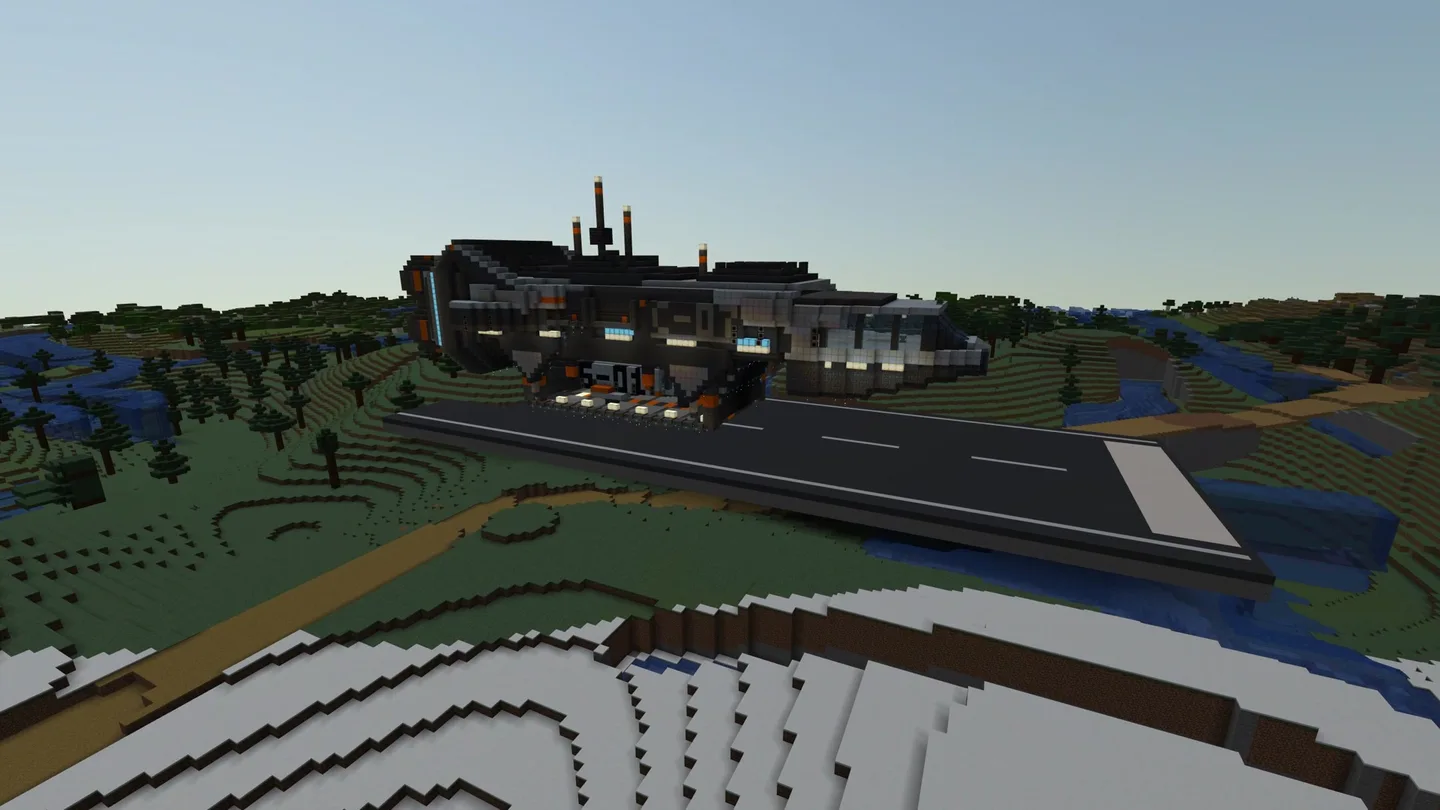
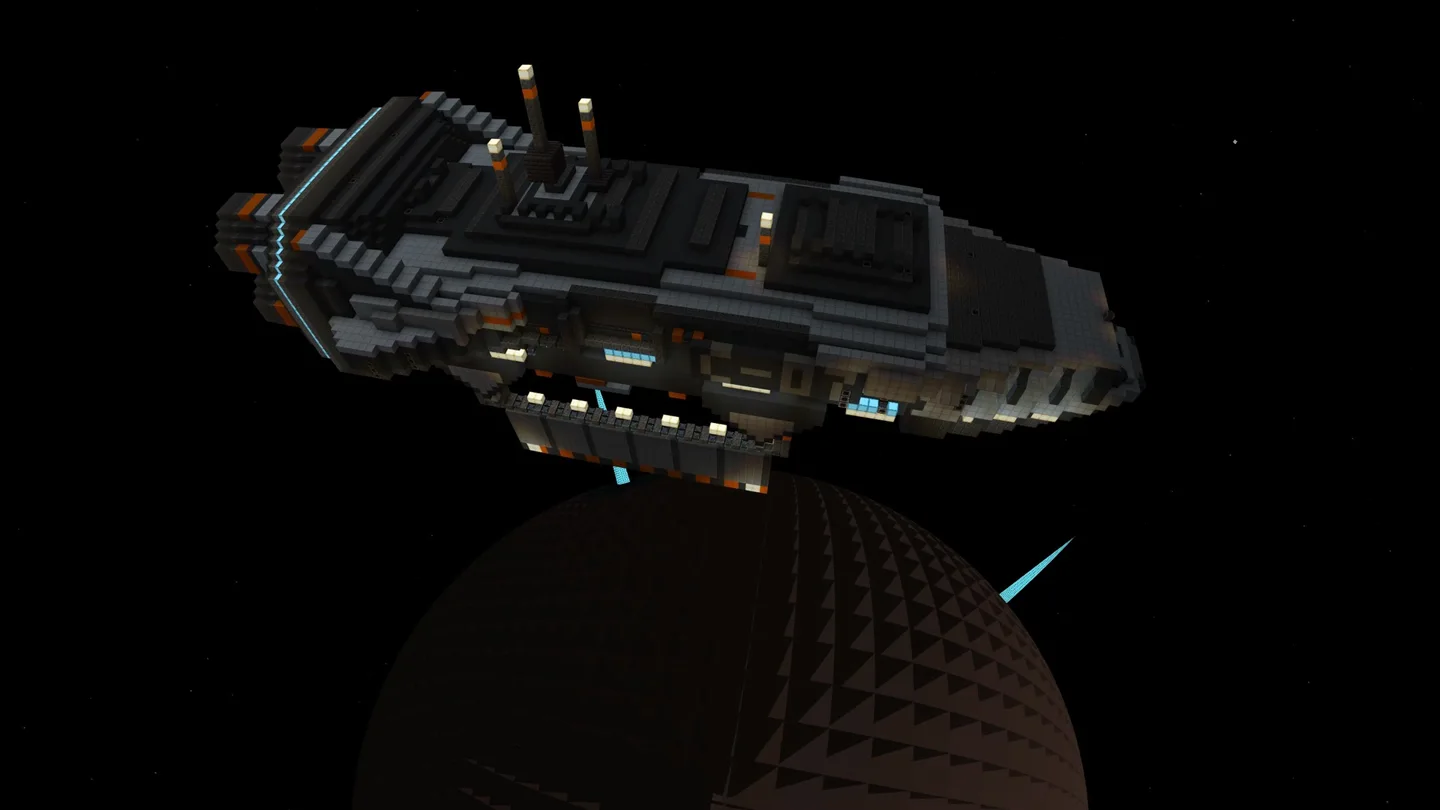
C-07 & S-01 Schematics
The Escape Velocity modpack includes the C-07 Carrier and S-01 Shuttle schematics. No separate download is needed. You start survival without a ship and can either build from a schematic or design your own first ship.
Standalone schematic downloads
Section titled “Standalone schematic downloads”If you use a different compatible mod setup, you can download the schematic files here.
- S-01 Shuttle s01.nbt
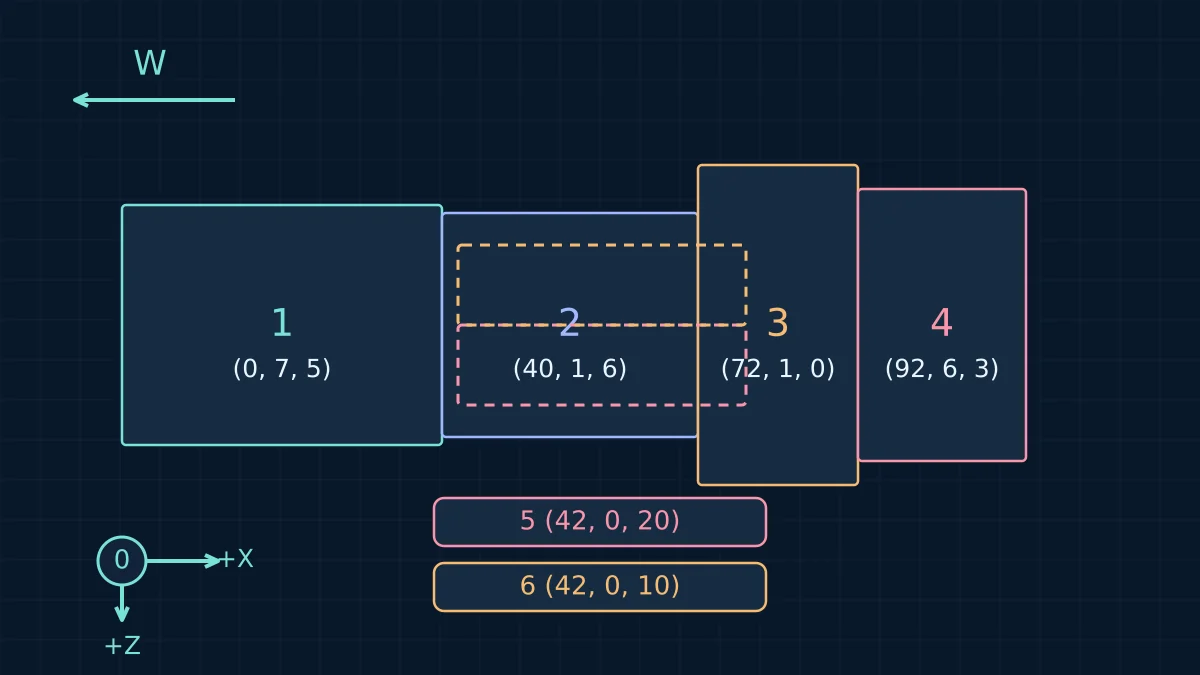
- C-07 Carrier c07-hull-1 · c07-hull-2 · c07-hull-3 · c07-hull-4 · c07-door-port · c07-door-starboard
- Section offsets and block counts
Import and build
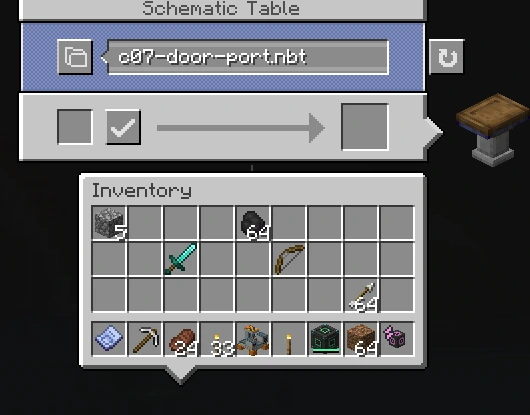
Section titled “Import and build”- Place an Empty Schematic in Create’s Schematic Table and select the file for the ship you want to build. Keep the bow facing west for either ship. Preview the footprint before choosing a berth with enough clearance.
- Place the S-01 as a single schematic. For the C-07, use the matching offset table and each section’s orientation, measuring from the same reference point. Preview each section and check its seams.
- Supply the Schematicannon with the required blocks and gunpowder, then build. Check for missing blocks and verify the hatch, outward-facing airstair, thruster direction, and Ship controller. Check that the gyroscopes are powered and re-place their adjacent redstone blocks if needed. Exclude ground and supports during assembly.
- Add a little compatible fuel, check the fuel feed and wet weight, then take off, brake, land, and reboard on Hearth.
You’re done when the sections line up, the equipment works, and the ship has flown locally.