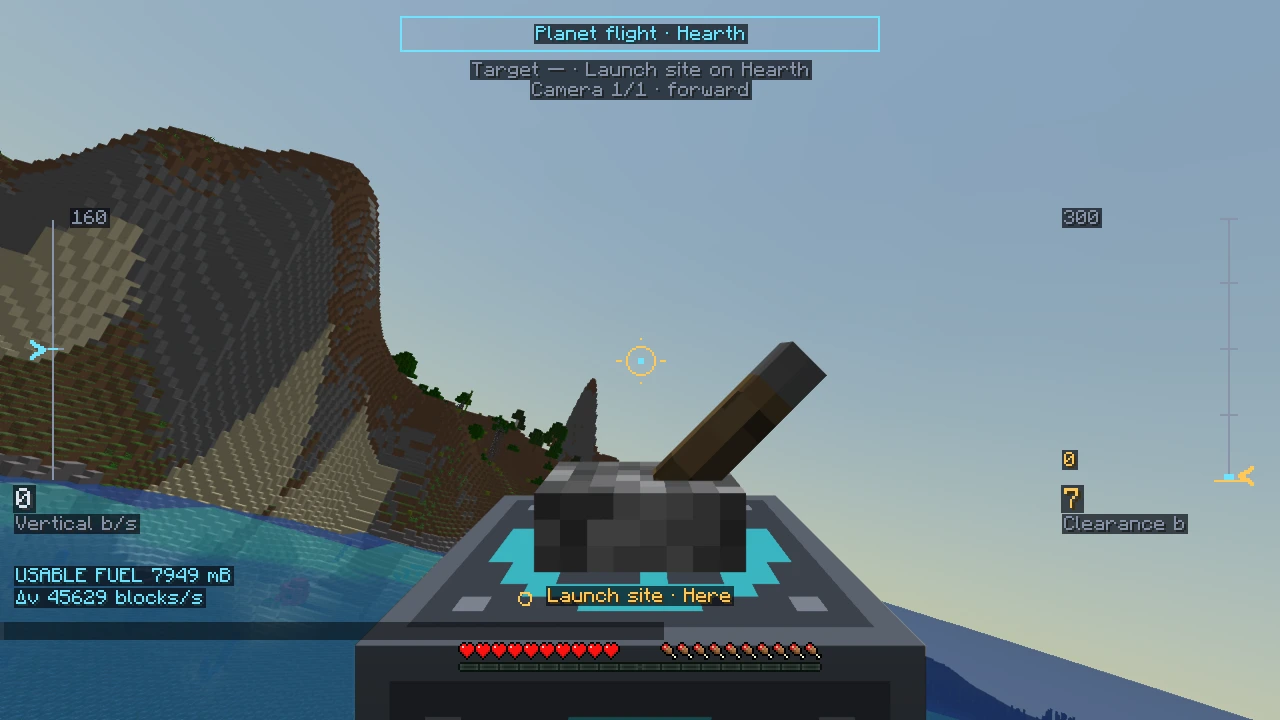
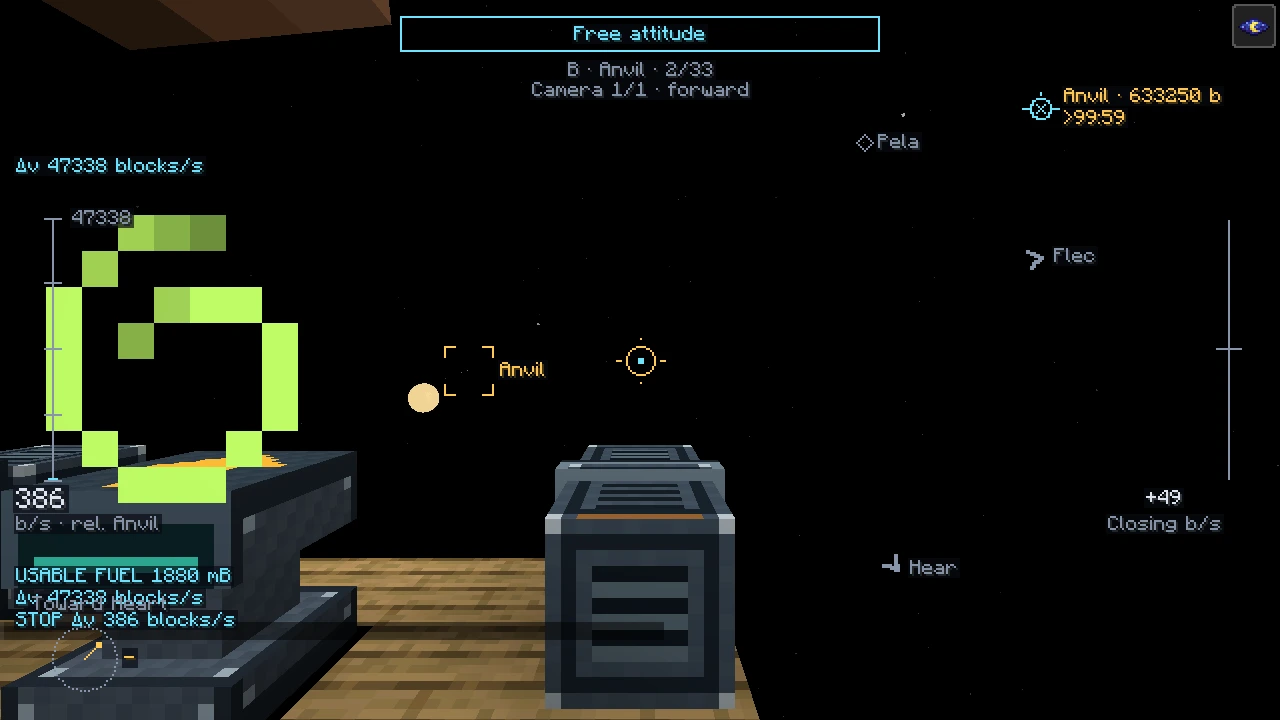
Flight Controls
Board and right-click the Ship controller to take control. These are the defaults for the version covered here. If they differ in your game, check the current HUD and Controls settings. Try them during a local flight on Hearth first.
| Situation | Default controls | How to verify |
|---|---|---|
| Near-surface movement | W/S forward/back, A/D sideways, Space/Shift ascend/descend; hold Ctrl with movement for more thrust |
Use short inputs in an open area and watch direction, altitude, and speed |
| Near-surface attitude | Move the mouse left or right to turn the nose; Q/E banks left or right, and releasing levels the ship |
Watch heading and attitude change |
| Spaceflight | Mouse to turn and pitch, Q/E to roll; W/S forward/reverse thrust, A/D sideways, Space/Shift ascend/descend |
Read speed and distance relative to your target; heading alone doesn’t tell you how fast you’re closing |
| Exit controls or cancel automatic arrival | R exits the controls; press it again if prompted. During automatic arrival, Space + Ctrl cancels it so you can fly away manually |
Land and stop before getting off. Automatic arrival doesn’t choose a safe landing site. Stay aboard in space |
| Personal flight | Space/Shift ascend/descend, Ctrl accelerate, Alt fly straight, G brake |
Read the personal flight HUD; these aren’t the Ship controller bindings |